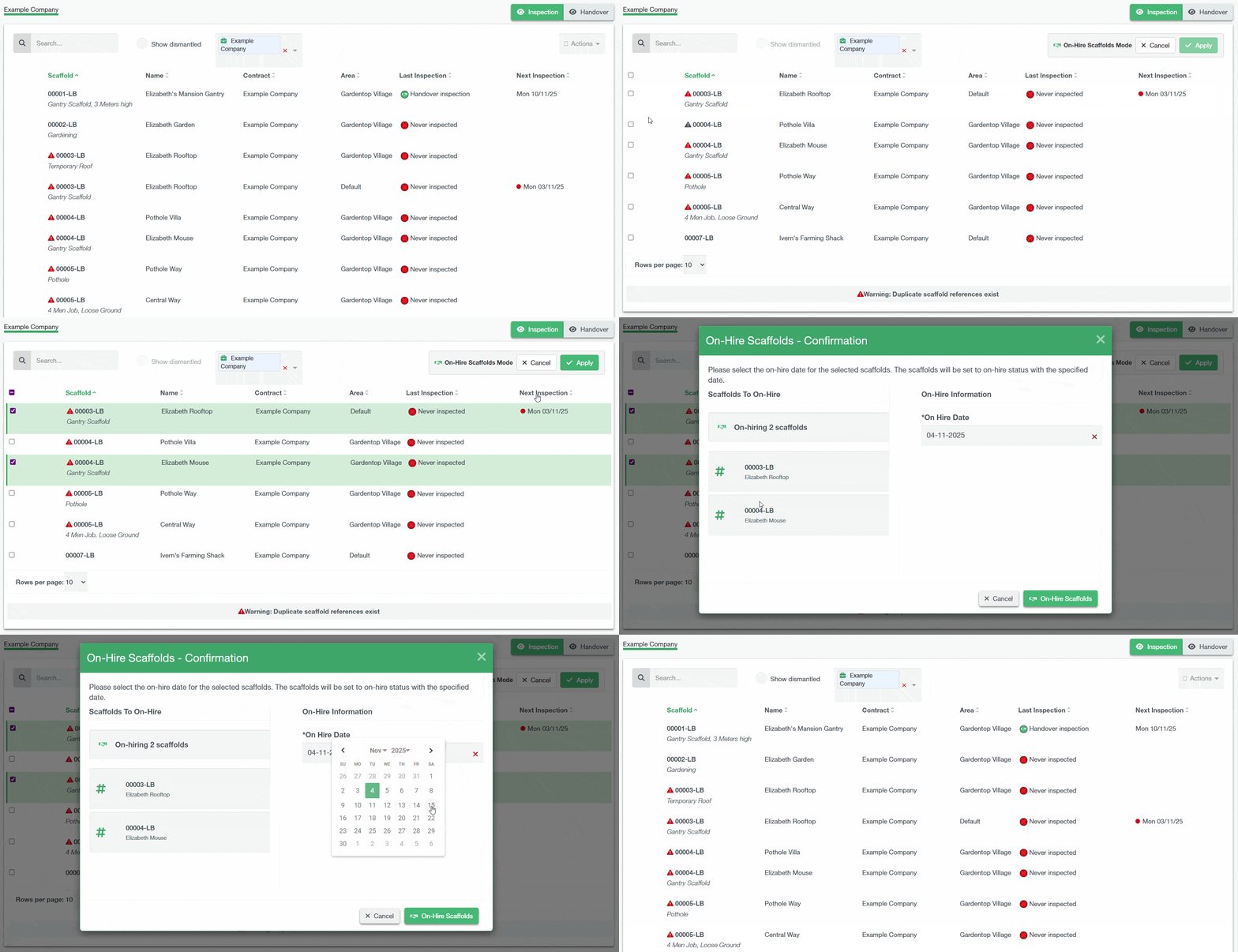
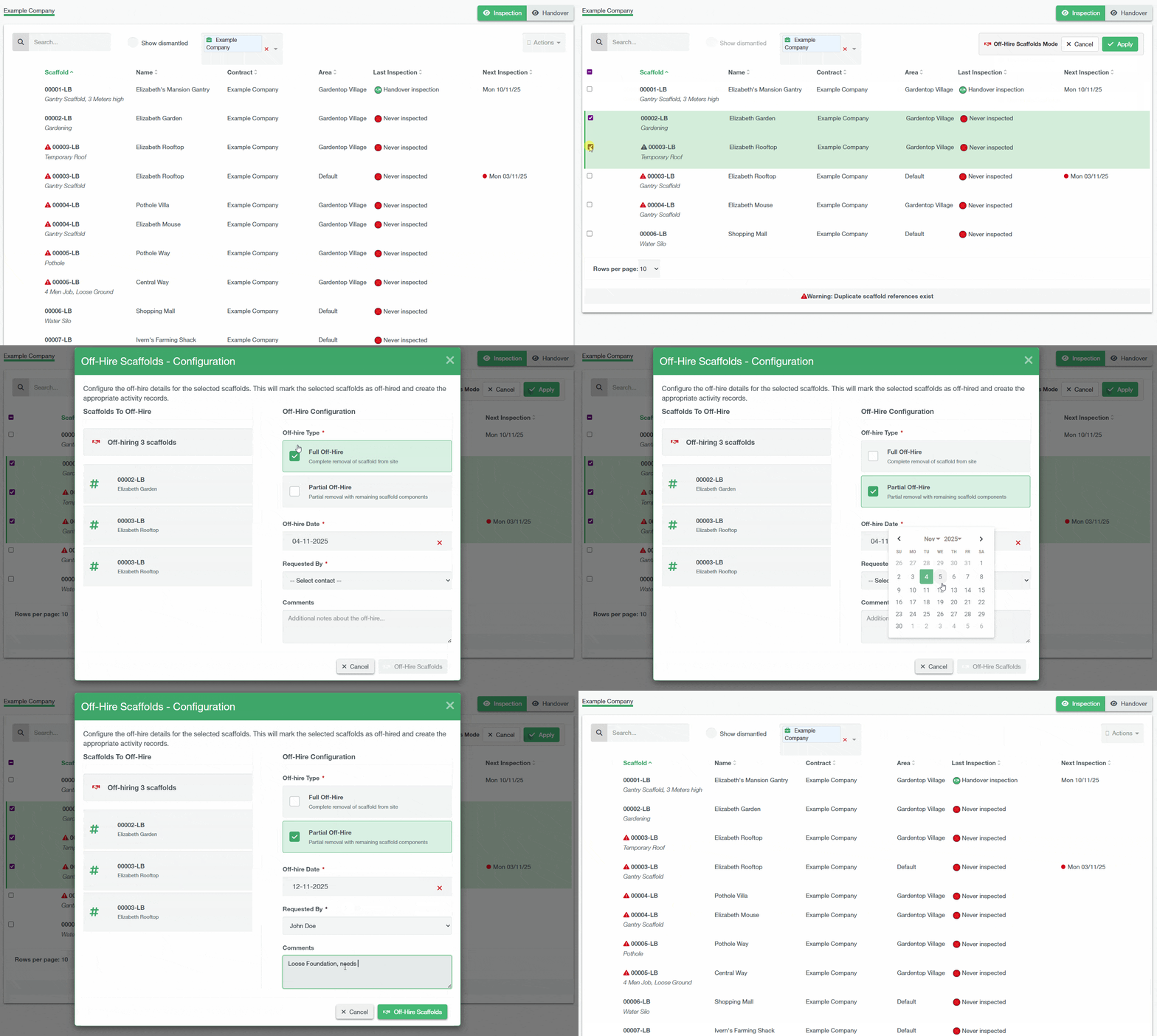
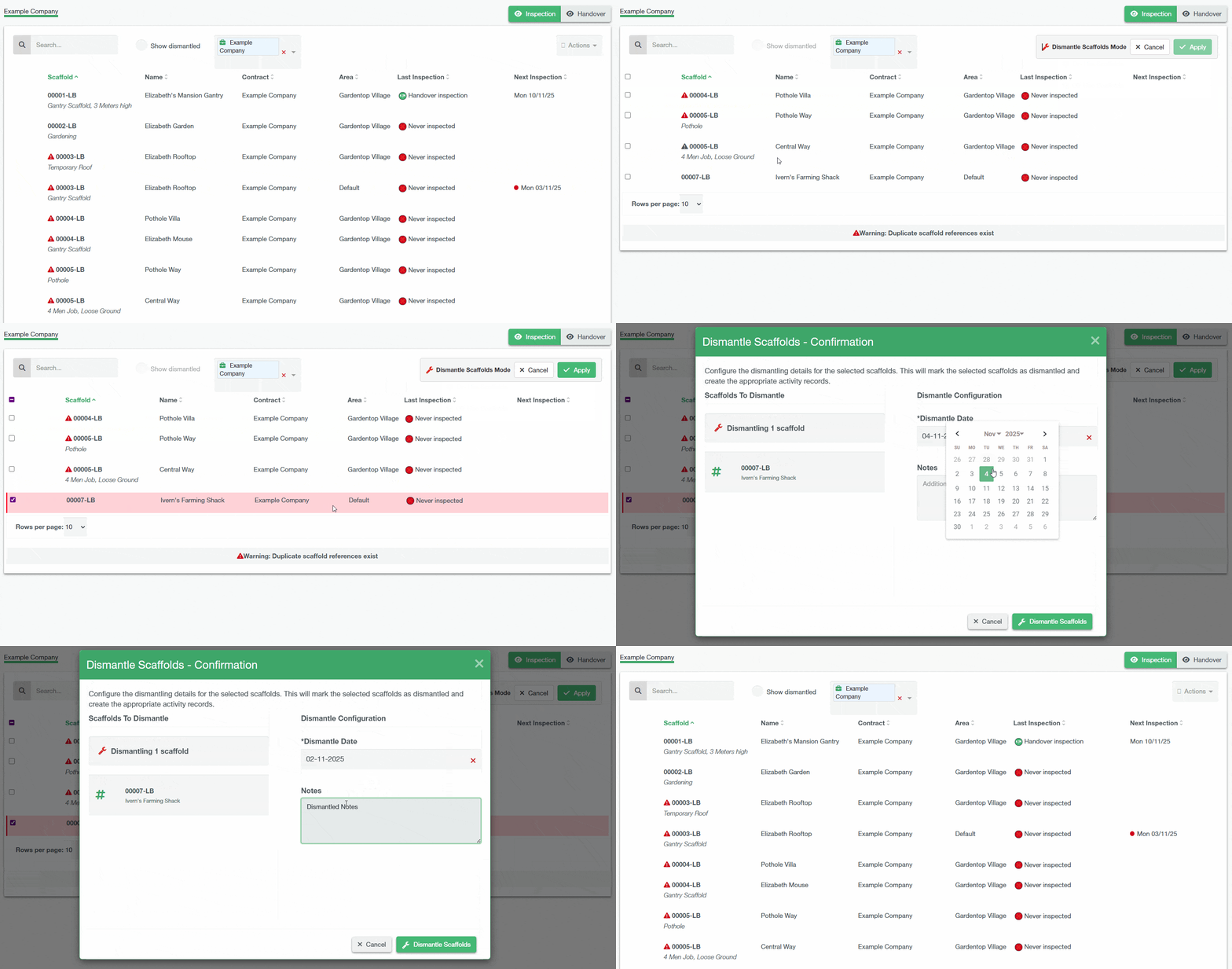
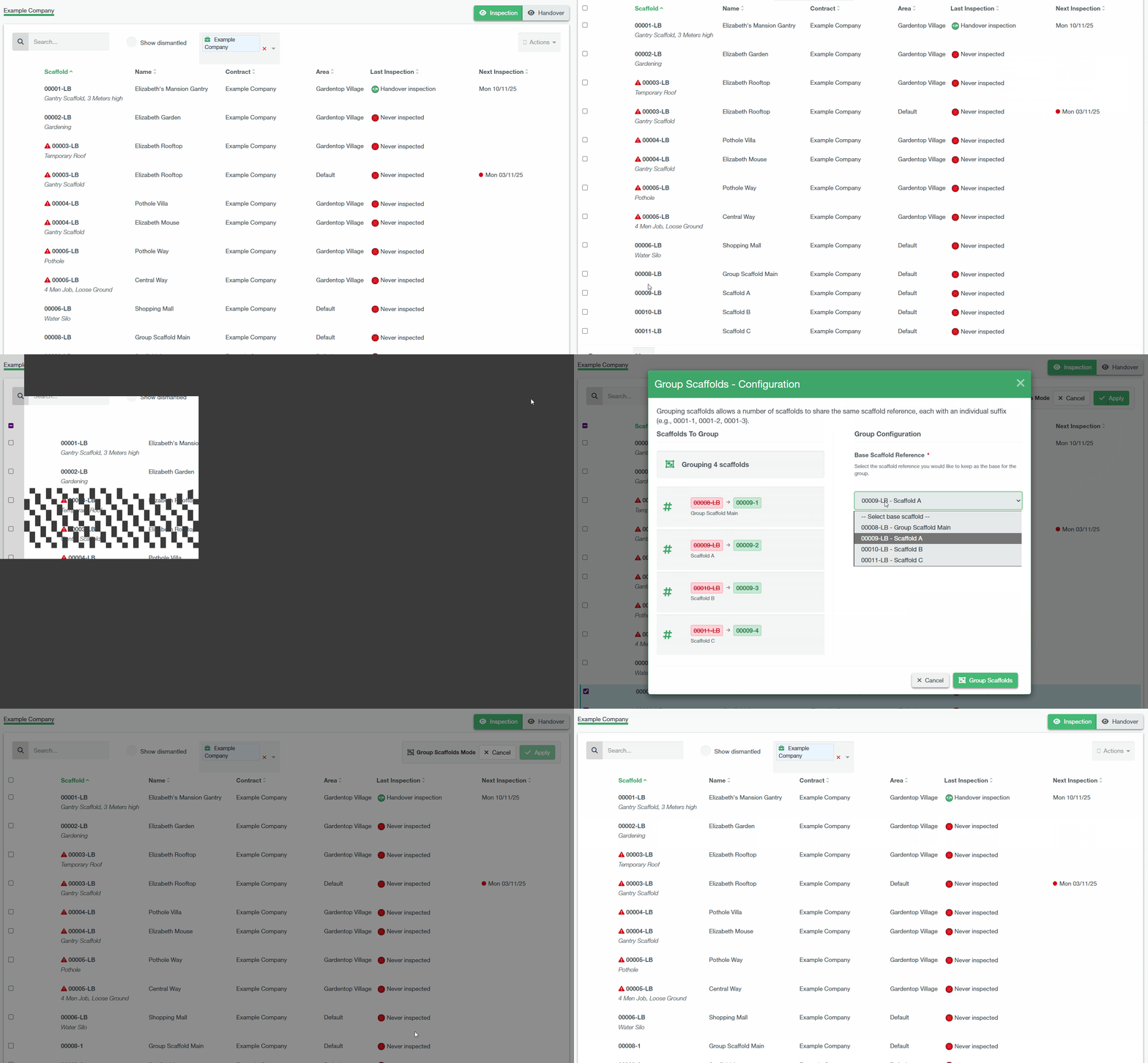
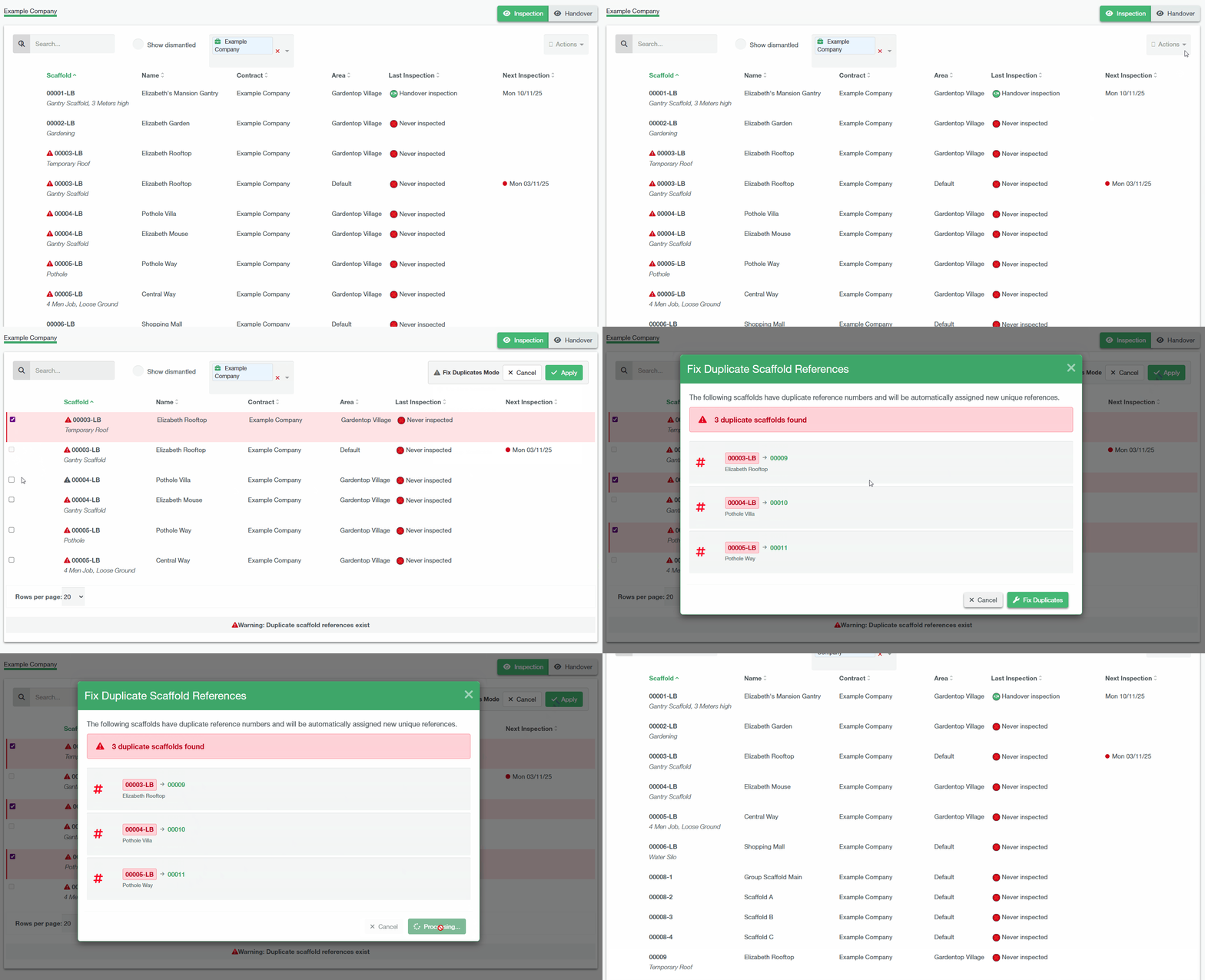
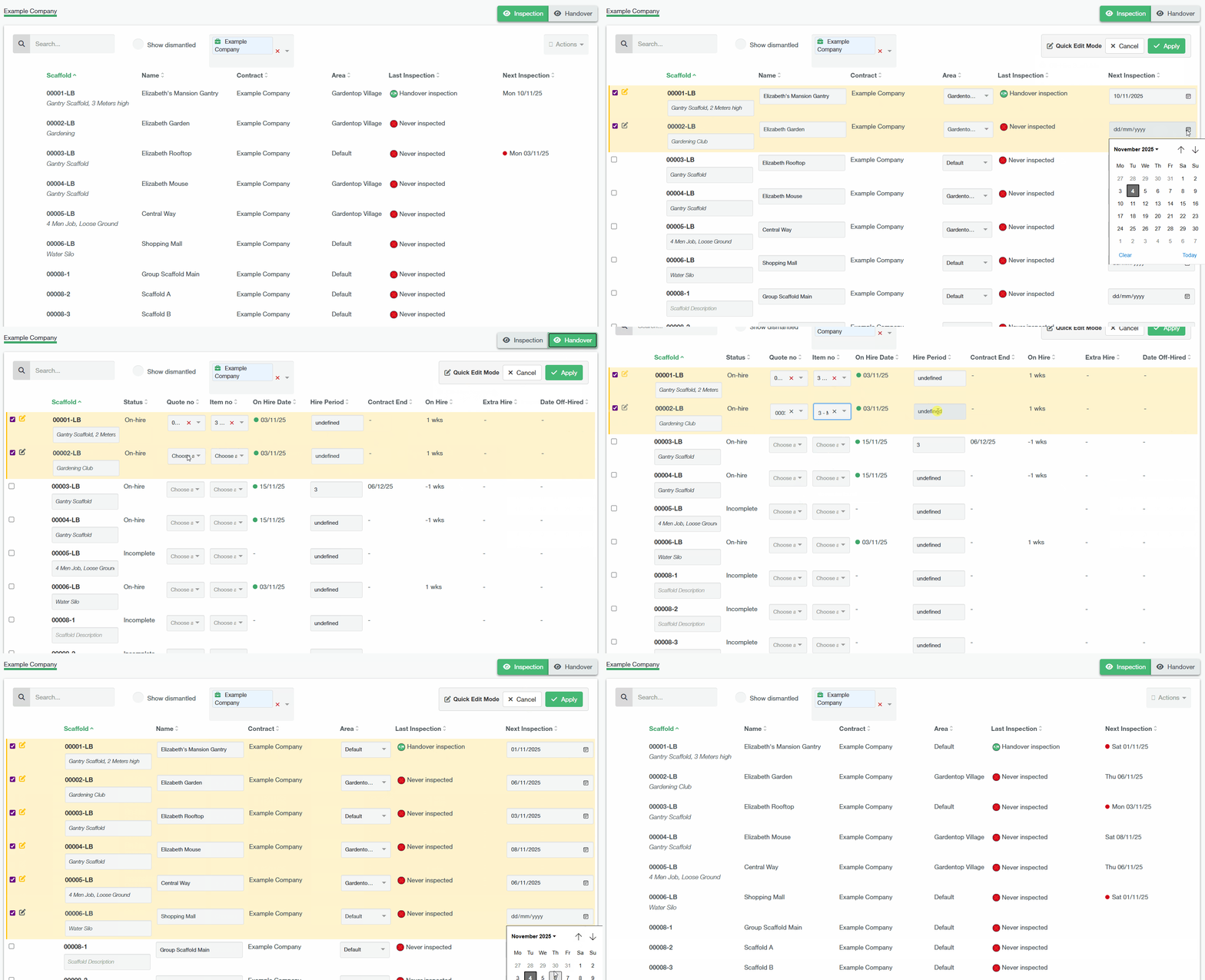
If you need to perform the same action to multiple scaffolds on the same contract? You can utilise the bulk actions on the scaffold section to manage your scaffold items efficiently. You can access these options by clicking the Action dropdown located at the top-right corner of the scaffold list.
There are several options available from the action dropdown menu:
SMART Filtering for Bulk Actions
On the Scaffold List, while you still have a Bulk Action mode active. You can filter the list of scaffolds by their Scaffold Name, Scaffold Description or Quote Number. Then by clicking on the Select All button, all scaffolds filtered from that list will be selected.
Constraint
If you click on another tab (e.g. All Customers, ABC R…), your current selection will be lost.